10 Common Mistakes When Creating Websites on WordPress and How to Avoid Them
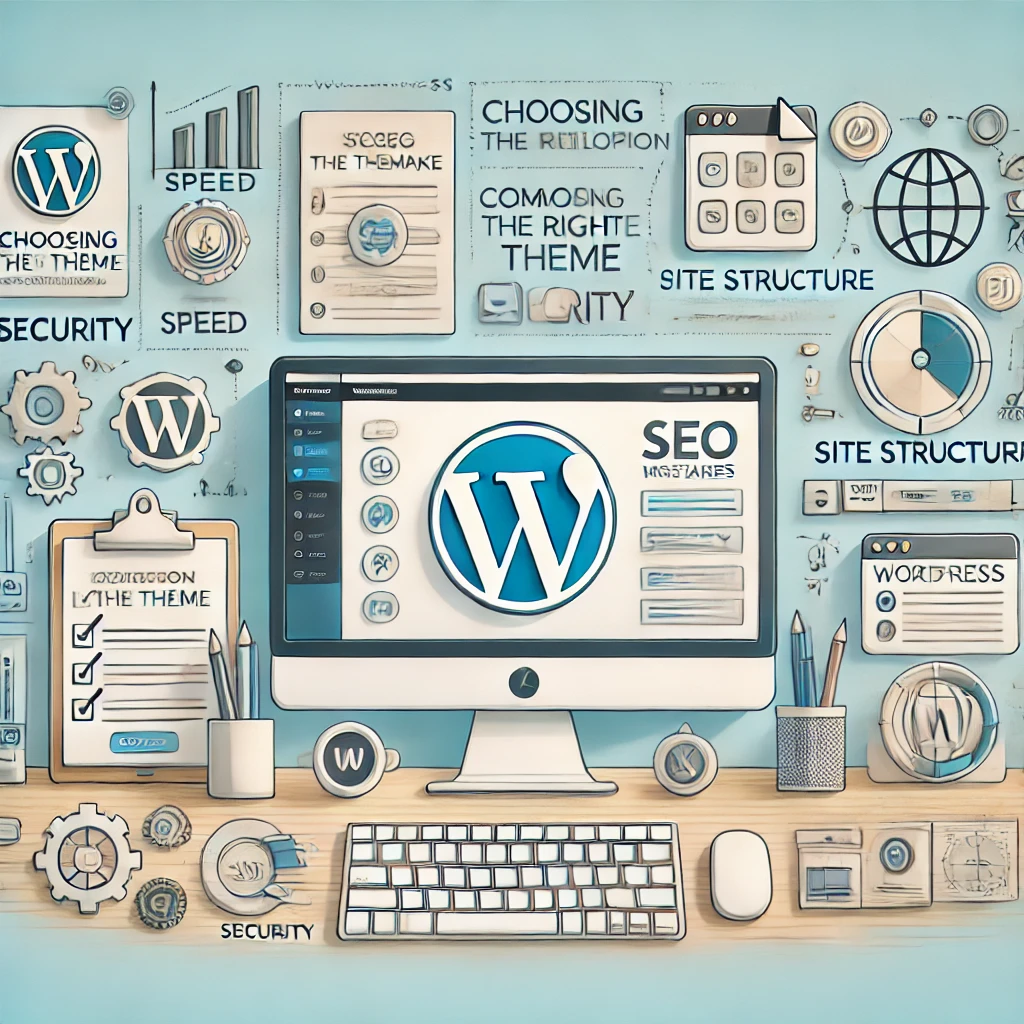
Building a website on WordPress looks like a simple task at first glance. After all, this platform offers plenty of convenient tools and settings, along with thousands of themes and plugins. But behind that ease and flexibility lie many nuances, and it's precisely not knowing them that often leads to common mistakes which stop websites from working effectively and keeping visitors. Let's go through the 10 most common mistakes and how to avoid them, so that your website not only looks good but also benefits your business.
1. Choosing a Theme Without Thinking It Through
Mistake: One of the first traps many beginners fall into is choosing a theme based on looks alone, without considering its functional and technical characteristics. Quite often a beautiful theme turns out to be overloaded with unnecessary scripts and styles, making the site slow and hard to configure.
How to avoid it: When choosing a theme, look not only at the design but also at optimisation, plugin compatibility, regular updates and developer support. For a business, premium themes are usually the better choice, as they tend to be better optimised and supported for longer. And always check that the theme is responsive — more and more users visit websites from mobile devices.
2. Too Many Plugins
Mistake: Plugins add extra features to a site, but too many of them can slow it down significantly, cause conflicts and even make it vulnerable to attacks.
How to avoid it: Choose plugins wisely. Use only proven plugins that are regularly updated and supported by their developers. Before installing each new plugin, ask yourself: do I really need it? The feature you want may already be built into your theme, or it may be possible to implement it with code without overloading the site.
3. No Clear Site Structure
Mistake: A chaotic structure prevents users from finding the information they need and hurts SEO. If a site is hard to navigate, you'll lose users and conversions.
How to avoid it: Work out the structure before you start building the site. Define the main sections, subpages and categories based on your users' needs. This is especially important for corporate websites and online stores, where well-thought-out navigation is the key to usability.
4. Ignoring SEO While Building the Site
Mistake: SEO is often treated as "something for later", but in reality proper optimisation from the very beginning can make the job much easier and increase the site's visibility in search engines.
How to avoid it: Build SEO into the development process. WordPress has excellent SEO plugins such as Yoast SEO or Rank Math that will help you optimise your key pages. But beyond plugins, keep an eye on a correct heading hierarchy, unique copy and the use of keywords.
5. Neglecting Page Load Speed
Mistake: Users rarely stay on a site if pages take longer than 3 seconds to load. Yet many people don't pay enough attention to this, filling their site with heavy images and unnecessary scripts.
How to avoid it: Optimise images before uploading and avoid large files that slow the site down. There are dedicated plugins such as Smush and ShortPixel that compress images without losing quality. Make sure you use caching — you can set it up with plugins like WP Rocket, WP Super Cache or W3 Total Cache.
6. Poor Security Management
Mistake: Security is often seen as secondary, especially when a site is just launching and has little traffic. But cyberattacks don't depend on a site's popularity: any website can become a target.
How to avoid it: Use comprehensive protection. Install security plugins such as Wordfence or Sucuri Security. Create strong passwords for all accounts, limit login attempts and update WordPress, your theme and plugins regularly to close vulnerabilities.
7. Neglecting Responsive Design
Mistake: Some sites look great on desktop but become awkward on mobile devices. As a result, owners lose up to half of their potential visitors.
How to avoid it: Make sure the theme you choose supports responsive design. Check how pages display on different devices and refine the styles with CSS where needed. WordPress has preview tools you can use to make sure your site is equally convenient for every user.
8. Overly Complex Forms and Processes
Mistake: If your site has registration, order or contact forms, making them complicated can scare visitors away. Nobody wants to waste time filling in dozens of fields.
How to avoid it: Keep forms simple and intuitive. Cut the number of fields to a minimum, leaving only the truly important ones. Add visual hints and make sure forms display correctly on mobile devices.
9. No Regular Backups
Mistake: Backups are often put off "until later", while any error or attack can lead to the loss of important data.
How to avoid it: Install an automatic backup plugin such as UpdraftPlus or BackupBuddy, and schedule regular backups of your site. Store copies not only on your hosting but also in remote cloud storage, so you always have access to your data.
10. Neglecting User Experience (UX)
Mistake: The desire to make a site brighter and packed with visual effects often comes at the expense of usability. The site may look impressive but be inconvenient for users.
How to avoid it: Always focus on users when designing. Think through every interface element in terms of convenience, accessibility and intuitiveness. Don't overload the site with animation, and keep the number of clicks to the information people need to a minimum.
These mistakes are common and may seem minor at first glance, but each of them can affect a website's success. By avoiding them, you increase the chance that your site will not only attract visitors but also benefit your business.
What's next
If after reading this you've concluded that you need a website — not just as a token online presence but as a working tool that brings in enquiries, customers and trust — you're already on the right track.
You can take this path on your own — it's possible, especially with AI and ready-made platforms. But if you want to save time, avoid typical mistakes and get it right the first time, I'm ready to help you.
I build websites focused on business goals, SEO and customer convenience. From simple landing pages to WordPress projects with custom logic — the solution is always tailored to the specific task.
Useful resources and links
To dig deeper into the topic or get to know my approach better, I recommend the following sections:
- Website development — general information about my approach, project stages and formats.
- WordPress website development — if you plan to use the most popular CMS in the world.
- What an entrepreneur needs to know before creating a business website — a practical guide you can always reread and share.
- Web development FAQ — specific answers for those planning to order a website.
A well-built website is an investment that works for you every day. Build it thoughtfully, and it will pay for itself many times over. And I'll help if you need me.